
BEGINNER GUIDE · FIRST SESSION
How to Play Ages of Conflict Online
Ages of Conflict is an observer simulation, not a conventional strategy game. Your first goal is to understand the world the AI creates—not to control a single country and win.
Before you press Start
Open the browser game on a desktop or laptop and wait for the Unity menu to appear. Use the A and D selectors on the menu to browse the available maps. For a first run, choose a map whose coastlines and regions are easy to read rather than the largest-looking option.
The menu may offer a custom-map option, but begin with a prepared map. A prepared map lets you learn nation selection, time controls, alliances, wars, and revolts before you add map painting to the process.
Start your first simulation
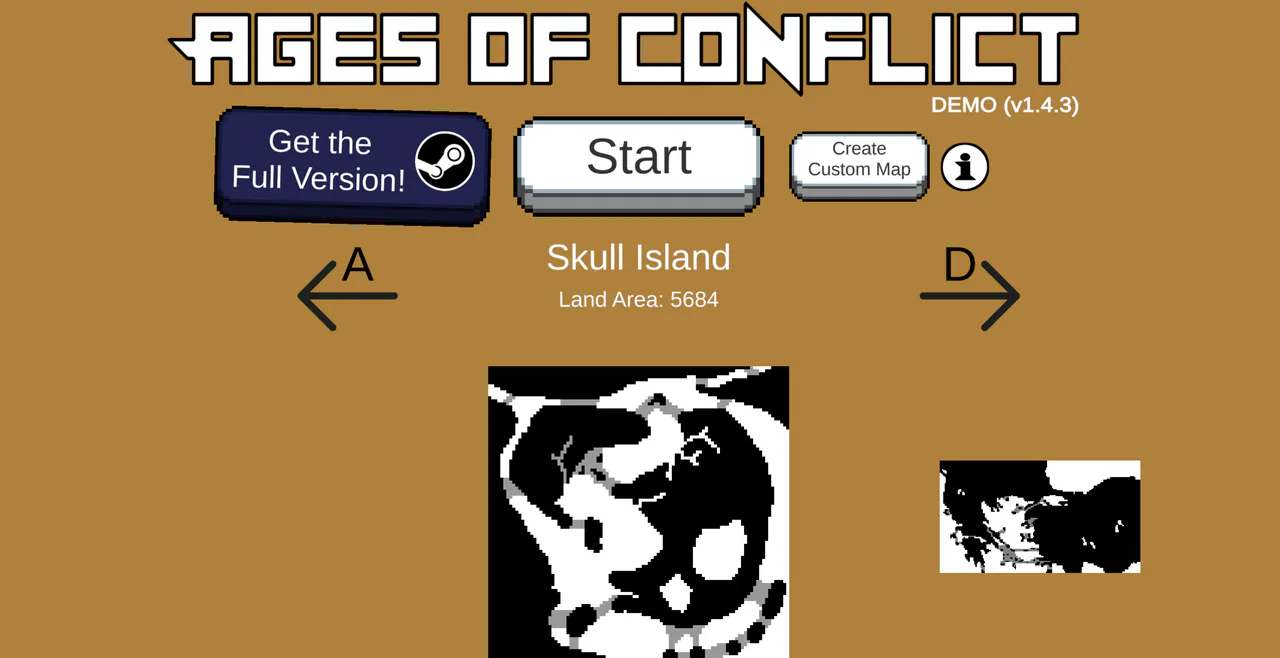
- Choose the map: A and D sit beside the selected map name. Here it reads Skull Island, with a land area of 5684.
- Start: the large central button is the entry to the selected simulation. The Steam purchase button to its left is a separate action.
- Create Custom Map: this is a separate menu option. Its presence does not imply Steam Workshop or modern scenario-editor support.
- Choose a map.Use A and D until you find a clear layout, then press Start.
- Let the opening develop.Do not intervene immediately. Give the nations time to expand, meet neighbours, and form the first borders.
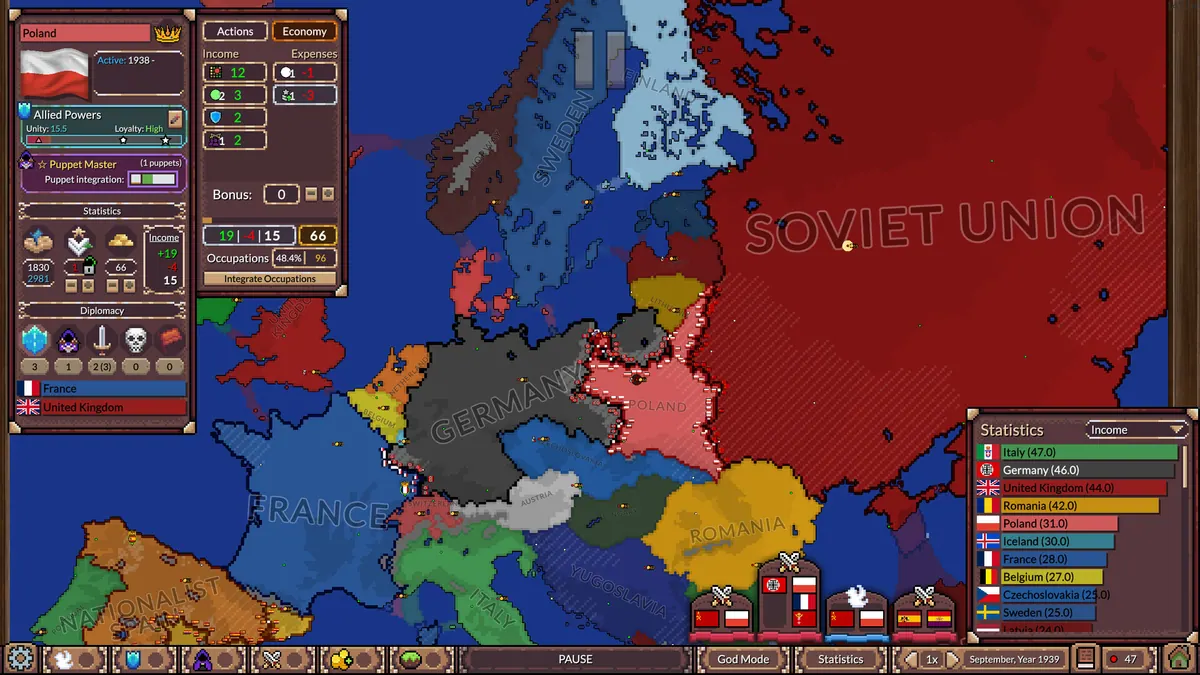
- Select one nation.Click a country or its capital and read the visible nation panel. Use that country as your reference point.
- Pause during a major change.When several borders move at once, pause and inspect the participants instead of trying to follow the entire map in real time.
- Increase speed during quiet periods.Speed up only after you know which nation or region you are following.
What should you watch?
Border pressure
A small nation surrounded by larger neighbours is a useful story to follow. Watch whether it finds an ally, expands before being boxed in, survives as a narrow strip, or disappears. A nation's size alone does not tell the whole story; geography and the timing of wars matter.
Wars and peace
When a war begins, pause and identify both sides. Resume at normal speed and watch the active border rather than the whole world. A fast victory can create a dominant power, while a long war may leave both nations vulnerable to another neighbour.
Alliances and revolts
Alliances can protect a weak nation or pull several countries into a larger conflict. Revolts create new actors inside established territory and are often the easiest way for a seemingly stable empire to fracture. If the map becomes dominated by one power, a revolt can restart the story.
When to use the demo's intervention tools
The legacy demo includes limited God Mode actions attached to nation interaction. Depending on the selected nation and current state, the demo can let you push an attack against a neighbour or trigger a revolt. These tools are best used as a small nudge after you have watched the simulation naturally.
Do not expect the modern full-version God Mode panel shown in newer screenshots. The current paid game has far more extensive tools for borders, terrain, nation properties, AI behaviour, and world settings. In the demo, make one change and then resume watching; the AI remains in control of what happens next.
A useful 10-minute first run
This short structure teaches more than clicking every menu at once. Once you can explain why one border changed, move on to custom maps or a more complicated scenario.
Start a first simulation ↑